


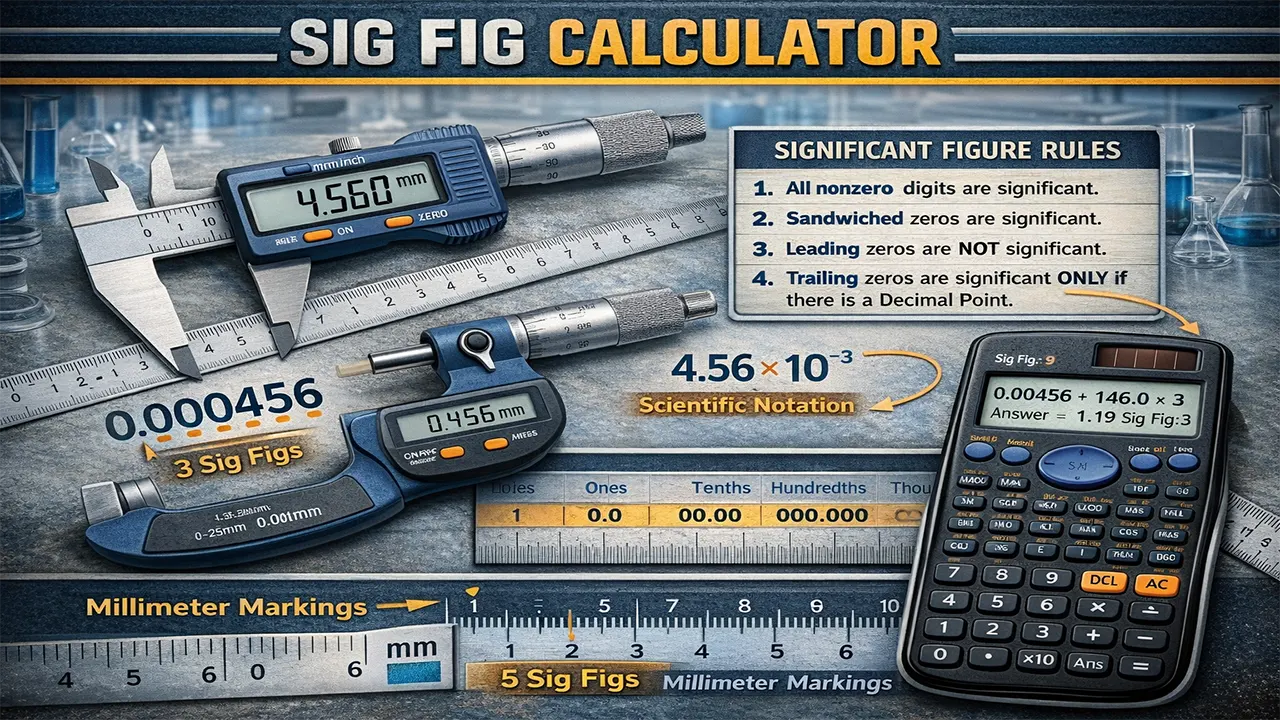
Struggling with significant figures? This free sig fig calculator counts, rounds, and applies sig fig rules to any number or mathematical expression. Built for students, engineers, scientists, and professionals who need accurate results without manual counting errors. Enter your number or equation and get instant, reliable answers.
Table of Contents
ToggleWhat Is a Significant Figures Calculator?
A sig fig calculator (significant figures calculator) is a tool that identifies the number of meaningful digits in a value and rounds results to the correct level of precision. Significant figures represent the digits in a number that carry real measurement value — they tell you how precise your data actually is.
Whether you’re completing a chemistry lab report at a university, working on structural calculations, or preparing data for a research paper, getting significant figures right matters. An error in rounding can cascade through your entire calculation and produce misleading results.
Here’s what this calculator helps you do:
- Count significant figures in any number, including decimals and scientific notation
- Round numbers to your desired number of sig figs
- Evaluate expressions (addition, subtraction, multiplication, division) using correct sig fig rules
- Convert to scientific notation with proper significant figure formatting
The calculator follows standardized mathematical conventions used in academic and professional settings worldwide — so the results you get here match what your textbook or instructor expects.
Significant Figures Calculator
Count, round, and calculate with precision
Operators: + - * or × / or ÷ Scientific: 3.2e5
How Does the Sig Fig Calculator Work?
The calculator applies standard significant figure rules to identify, count, and round digits. Here’s the methodology broken down.
Step 1: Identifying Significant Figures
Not every digit in a number is significant. The calculator uses these core rules:
- All non-zero digits are significant. Example: 4,827 has 4 sig figs.
- Zeros between non-zero digits (captive zeros) are significant. Example: 5,007 has 4 sig figs.
- Leading zeros are never significant — they’re just placeholders. Example: 0.0042 has 2 sig figs.
- Trailing zeros after a decimal point are significant. Example: 8.100 has 4 sig figs.
- Trailing zeros in a whole number without a decimal point are ambiguous, but generally treated as not significant. Example: 1,500 is often interpreted as 2 sig figs.
Step 2: Rounding to Sig Figs
When you ask the calculator to round a number to a specific number of sig figs, it locates the last significant digit to keep, checks the next digit, and rounds up if that digit is 5 or greater, or rounds down if it’s less than 5.
For example, rounding 0.004562 to 2 sig figs: the significant digits are 4, 5, 6, 2. Keep the first two (4, 5), check the third (6 ≥ 5), so round up → 0.0046.
Step 3: Applying Rules to Expressions
Different operations follow different sig fig rules:
- Multiplication and division: The result takes the same number of sig figs as the input with the fewest sig figs.
- Addition and subtraction: The result is rounded to the same number of decimal places as the input with the fewest decimal places.
Important note: Exact numbers (like counting numbers or defined constants such as 1 inch = 2.54 cm) have unlimited significant figures and don’t limit your result.
Sig Fig Calculator: 3 Practical Examples
Example 1: Chemistry Lab — Calculating Molar Mass
Sara is a chemistry student measuring the mass of a compound on a digital balance. Her reading shows 12.050 g, and she needs to report this value correctly.
Input: 12.050
Counting sig figs:
- 1, 2, 0, 5 → all non-zero or captive zeros = significant
- Trailing zero after decimal (the final 0) = significant
Result: 5 significant figures
If Sara’s instructor asks her to round to 3 sig figs, the calculator returns 12.1 (the digit after “0” is 5, rounding the 0 up to 1). In scientific notation: 1.21 × 10¹.
Example 2: Physics Calculation — Velocity
Ahmed is solving a physics problem: a car travels 456.2 m in 23 s. He needs to find velocity and report it with the correct number of sig figs.
Calculation: 456.2 ÷ 23 = 19.8347826…
Sig fig rule for division: Use the fewest sig figs among the inputs.
- 456.2 → 4 sig figs
- 23 → 2 sig figs
Result: Round to 2 sig figs → 20 m/s (or 2.0 × 10¹ m/s in scientific notation to make the 2 sig figs explicit).
Example 3: Edge Case — Leading Zeros and Small Numbers
Fatima is working on a microbiology report and records a bacterial concentration as 0.000340 mL⁻¹. She’s unsure how many sig figs this contains.
Input: 0.000340
Analysis:
- Leading zeros (0.000) → not significant (placeholders only)
- 3 and 4 → significant (non-zero digits)
- Trailing 0 after decimal → significant
Result: 3 significant figures
Scientific notation: 3.40 × 10⁻⁴. The trailing zero is intentionally kept because it indicates the measurement was precise to that digit. If Fatima rounds to 2 sig figs, the calculator returns 0.00034 (or 3.4 × 10⁻⁴).
Important Rules and Tips for Significant Figures
Special Rules to Remember
Exact numbers — such as 12 eggs in a dozen or defined conversions like 1 kg = 1,000 g — have infinite significant figures. They never limit the precision of your answer. The calculator treats these differently from measured values.
When working with scientific notation (e.g., 6.022 × 10²³), only the coefficient determines significant figures. The power of 10 is not counted. In this example, there are 4 sig figs.
Common Mistakes to Avoid
- Confusing leading zeros with trailing zeros. In 0.0200, the leading zeros (before the 2) don’t count; the trailing zeros (after the 2) do count. This number has 3 sig figs, not 1.
- Applying multiplication rules to addition. Addition and subtraction use decimal places, not sig fig counts. Mixing up these rules is the most common error in student work.
- Rounding at each step of a multi-step problem. Only round your final answer. Rounding intermediate steps introduces cumulative rounding error.
- Forgetting ambiguous trailing zeros. A value like 2,500 could mean 2, 3, or 4 sig figs depending on context. Use scientific notation (2.5 × 10³, 2.50 × 10³, or 2.500 × 10³) to remove ambiguity.
Pro Tips
When recording lab measurements, always write the trailing zero if your instrument measures to that precision. Writing 7.0 mL instead of 7 mL communicates that your measurement is precise to the tenths place. This practice is expected in university-level science courses and professional research globally.
If you’re working with financial data, significant figures aren’t typically the right tool — you’ll want precise decimal rounding instead. For example, calculating VAT amounts or compound interest requires fixed decimal precision, not sig fig rounding.
Frequently Asked Questions About Significant Figures
How many significant figures does 100 have?
The number 100 without a decimal point is ambiguous — it could have 1, 2, or 3 significant figures. To be clear, write it in scientific notation: 1 × 10² (1 sig fig), 1.0 × 10² (2 sig figs), or 1.00 × 10² (3 sig figs). Our calculator treats 100 as having 1 significant figure by default.
What’s the difference between sig figs and decimal places?
Decimal places count digits after the decimal point. Significant figures count all meaningful digits regardless of decimal position. For example, 45.60 has 2 decimal places but 4 significant figures. This distinction matters because addition/subtraction use decimal places, while multiplication/division use sig figs.
Are trailing zeros significant?
Trailing zeros after a decimal point are always significant (e.g., 5.200 has 4 sig figs). Trailing zeros in a whole number without a decimal point are ambiguous (e.g., 8,000 could be 1–4 sig figs). Adding a decimal point (8,000.) explicitly makes all four digits significant.
Can this calculator handle scientific notation?
Yes. Enter values using “e” notation, such as 3.45e8 for 3.45 × 10⁸. The calculator will count sig figs from the coefficient and display results in both standard and scientific notation formats.
How do I count sig figs in a calculated result?
For multiplication and division, your answer should have the same number of sig figs as the input with the fewest sig figs. For addition and subtraction, round your answer to the least number of decimal places among the inputs. The calculator applies these rules automatically when you enter an expression.
Is 0 a significant figure?
It depends on the position. Zeros between non-zero digits (like in 305) are always significant. Leading zeros (like in 0.003) are never significant. Trailing zeros after a decimal (like in 2.50) are significant. Each type of zero follows its own rule.
Why do significant figures matter in real-world work?
Sig figs prevent false precision. If your measuring tool is accurate to ±0.1 g, reporting a calculated result to 0.0001 g implies a precision you don’t actually have. In engineering, medicine, and research, overstating precision can lead to flawed decisions. Proper sig fig usage keeps your data honest.
How accurate is this sig fig calculator?
This calculator follows the standard significant figures rules taught in academic institutions worldwide. It correctly handles counting, rounding, arithmetic operations, and scientific notation. Results match what you’d calculate by hand using textbook rules, but without the risk of manual counting errors.
Start Calculating with Confidence
Use the sig fig calculator above to count, round, and calculate with precision. Whether you’re double-checking homework, preparing a lab report, or verifying engineering data, this tool delivers reliable results in seconds. For deeper reference on significant figure conventions, consult the NIST Guide for the Use of the International System of Units, which outlines the internationally accepted standards for measurement precision.
Related Calculators You Might Find Useful
- University Grade Calculator – Calculate your GPA and module grades
- Compound Interest Calculator – Compute growth on savings and investments
- ROI Calculator – Measure return on investment for any project
- VAT Calculator – Add or remove VAT from any amount
- Tax Calculator – Estimate your tax obligations quickly