


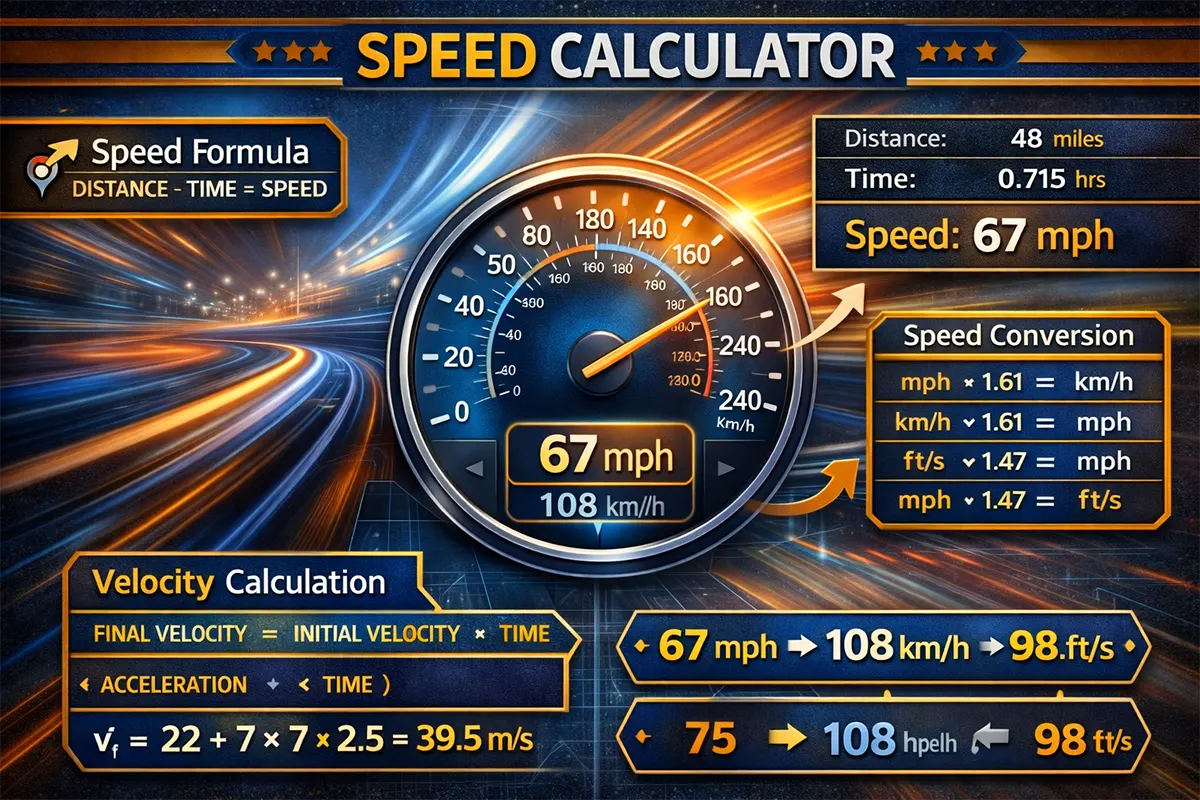
Need to calculate how fast you’re going, how far you’ve traveled, or how long a trip will take? Our free speed calculator gives you accurate results in seconds. Whether you’re a student solving physics problems, a runner tracking pace, or a driver planning a road trip across the UAE or beyond — this tool handles it all with support for multiple units.
Table of Contents
ToggleWhat Does This Speed Calculator Do?
This speed calculator solves the classic speed-distance-time relationship. Enter any two values, and the tool instantly computes the third. It works for any scenario — from calculating your average driving speed on Sheikh Zayed Road to figuring out a marathon finishing time.
Here’s what makes it useful:
- Three-in-one tool: Calculate speed, distance, or time — just provide two known values.
- Multiple unit support: Switch between km/h, mph, m/s, knots, and more with a single click.
- Instant results: No page reloads. Results appear the moment you enter your values.
- Step-by-step breakdown: See the formula and calculation steps — perfect for students and professionals.
The formulas behind this calculator follow standard physics principles used in classrooms and engineering worldwide. Every result is computed in real time with full precision, so you can trust the numbers you see.
⚡ Speed Calculator
Calculate speed, distance, or time — instantly and accurately
Unit Conversions
Step-by-Step Solution
How the Speed Calculator Works
The relationship between speed, distance, and time is one of the most fundamental equations in physics. The core formula is:
Speed = Distance ÷ Time
From this single formula, you can derive the other two:
- Distance = Speed × Time
- Time = Distance ÷ Speed
Step-by-Step: How to Use the Calculator
- Choose what to calculate — Select whether you need to find speed, distance, or time.
- Enter your known values — Fill in the two fields you already know. For example, if you drove 150 km in 2 hours, enter distance as 150 and time as 2.
- Select your units — Pick km/h, mph, m/s, or another unit from the dropdown menus.
- View your result — The calculator instantly displays the answer along with the formula used and a step-by-step breakdown.
Important Notes
This calculator computes average speed, not instantaneous speed. Average speed assumes a constant rate over the entire distance. In real-world driving — say, along Emirates Road from Dubai to Abu Dhabi — your actual speed varies due to traffic, stops, and acceleration. The calculated value represents the overall average.
When converting between units, the calculator uses precise conversion factors. For reference: 1 mile = 1.60934 km, 1 knot = 1.852 km/h, and 1 m/s = 3.6 km/h. All conversions happen automatically, so you don’t need to do any manual math.
Speed Calculation Examples
Example 1: Road Trip from Dubai to Abu Dhabi
Scenario: Ahmed is driving from Dubai Marina to Yas Island in Abu Dhabi. The distance is approximately 140 km, and the trip takes him 1 hour 20 minutes (1.33 hours).
Calculation:
- Formula: Speed = Distance ÷ Time
- Speed = 140 km ÷ 1.33 hours
- Speed = 105.26 km/h
This means Ahmed averaged about 105 km/h — well within the typical 120 km/h speed limit on the E11 highway. If you’re planning a similar trip, you can use our loan calculator to estimate your car financing before hitting the road.
Example 2: Marathon Runner’s Pace
Scenario: Fatima completed the Dubai Marathon (42.195 km) in 3 hours and 45 minutes (3.75 hours). She wants to know her average speed.
Calculation:
- Formula: Speed = Distance ÷ Time
- Speed = 42.195 km ÷ 3.75 hours
- Speed = 11.25 km/h
That’s about 6.99 mph — a solid pace for a recreational marathon runner. Her per-kilometer pace works out to approximately 5 minutes 20 seconds per km.
Example 3: Calculating Travel Time for a Flight
Scenario: A flight from Dubai International Airport (DXB) to London Heathrow covers approximately 5,475 km. The aircraft cruises at an average speed of 870 km/h. How long is the flight?
Calculation:
- Formula: Time = Distance ÷ Speed
- Time = 5,475 km ÷ 870 km/h
- Time = 6.29 hours ≈ 6 hours 17 minutes
The actual flight time is typically around 7 hours due to wind patterns and routing, but the calculation gives a good baseline for cruise-speed estimation. This method is widely used in aviation planning.
Important Information About Speed Calculations
Average Speed vs. Instantaneous Speed
The formula Speed = Distance ÷ Time calculates average speed across an entire journey. It does not account for moments when you speed up, slow down, or stop completely. For example, driving in DIFC during rush hour involves frequent stops, so your instantaneous speed fluctuates constantly even though your average speed might only be 25 km/h.
UAE Speed Limits to Keep in Mind
If you’re using this calculator for driving-related planning in the UAE, remember the standard speed limits set by the UAE Federal Traffic Council:
- Highways: 100–120 km/h (varies by emirate)
- Main roads: 60–80 km/h
- Residential areas: 40 km/h
Abu Dhabi allows a buffer of up to 20 km/h on some highways before a fine is triggered, while Dubai generally enforces a stricter threshold. Always check the latest posted limits and radar notifications via the official UAE Ministry of Interior website.
Common Mistakes to Avoid
- Mixing units: Make sure distance and time units are compatible. Don’t enter km for distance and hours for time but expect mph as output without converting.
- Forgetting to convert minutes: 90 minutes is 1.5 hours, not 1.9. Always convert minutes to a decimal fraction of an hour (divide by 60).
- Ignoring rest stops: If you stopped for 30 minutes during a 3-hour drive, your actual moving time is 2.5 hours — and your average moving speed is higher than the overall average.
Frequently Asked Questions
How does the speed calculator work?
It uses the fundamental formula: Speed = Distance ÷ Time. You provide any two of the three variables (speed, distance, time), and the calculator solves for the missing one. All unit conversions are handled automatically.
What units does the calculator support?
The calculator supports km/h, mph, m/s, ft/s, and knots for speed. Distance can be entered in kilometers, miles, meters, feet, or nautical miles. Time supports hours, minutes, and seconds. You can mix and match freely.
Is this calculator accurate for real-world driving?
It calculates average speed accurately based on total distance and total time. Real-world driving involves variable speeds, so the result represents your trip average — not your speed at any given moment.
Can I use this for running and cycling?
Absolutely. Runners and cyclists frequently use speed calculations to track performance. Enter your race distance and finishing time to see your average speed and pace. The tool converts between km/h and mph so you can use whichever you prefer.
How do I convert minutes to hours for the calculator?
Divide the minutes by 60. For example, 45 minutes = 0.75 hours, and 90 minutes = 1.5 hours. The calculator also accepts time inputs in minutes directly, so you can enter 90 minutes without converting manually.
What’s the difference between speed and velocity?
Speed is a scalar quantity — it measures how fast something moves regardless of direction. Velocity is a vector — it includes both speed and direction. This calculator computes speed. For most everyday uses (driving, running, cycling), speed is the value you need.
Can I calculate the distance if I know speed and time?
Yes. Simply select “Calculate Distance” mode, enter your speed and time, and the calculator applies the formula Distance = Speed × Time to give you the result in your preferred unit.
Is this useful for physics homework?
Definitely. The calculator shows the formula and step-by-step solution, making it a great study companion. It’s especially helpful for verifying your manual calculations when working through significant figures or unit conversion problems.
Start Calculating Now
Whether you’re planning a road trip across the UAE, training for your next marathon, or solving physics equations — our speed calculator is built to give you fast, reliable answers. Scroll up and enter your values to get instant results.
For official UAE road and traffic information, visit the Roads and Transport Authority (RTA) or the Ministry of Interior.
Related Calculators You Might Find Useful
- Fractions Calculator – Solve fraction arithmetic quickly.
- Significant Figures Calculator – Round numbers to the correct sig figs.
- Cubic Yard Calculator – Calculate volume for materials and construction.
- University Grade Calculator – Estimate your GPA and course grades.
- Factor Calculator – Find factors of any number instantly.
- ROI Calculator – Calculate return on investment for your projects.