


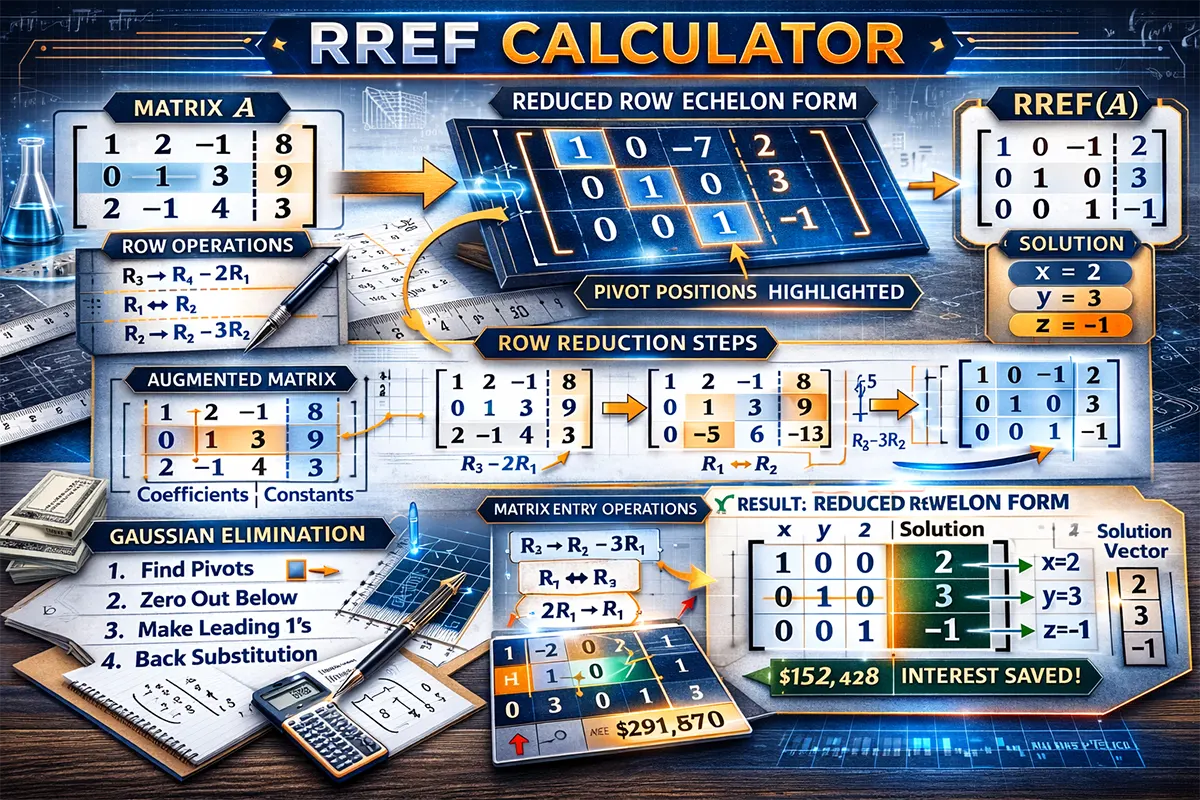
Struggling with row reduction by hand? This free RREF calculator converts any matrix into its Reduced Row Echelon Form in seconds. Whether you’re a university student tackling linear algebra homework, an engineer solving systems of equations, or a data science professional working with matrices, this tool delivers accurate results with a full step-by-step breakdown every time.
Table of Contents
ToggleWhat Is the RREF Calculator?
The RREF calculator (Reduced Row Echelon Form calculator) is a free online tool that applies Gauss-Jordan elimination to any matrix you enter. It transforms your matrix into its simplest possible form, making it easy to identify solutions to linear systems, determine matrix rank, and find pivot columns.
Here’s what makes this calculator stand out:
- Step-by-step solutions – See every row operation performed, not just the final answer
- Flexible matrix sizes – Supports matrices from 2×2 up to 6×6 (and augmented matrices)
- Fraction and decimal support – Enter values as fractions (e.g., 1/3) or decimals
- Completely free – No sign-ups, no limits, no hidden costs
This calculator uses the exact same Gauss-Jordan elimination algorithm taught in university-level linear algebra courses. Every step follows standard mathematical rules, so you can trust the output for homework verification, exam preparation, or professional work. If you’re also working on simplifying expressions, our fractions calculator is another handy tool to keep bookmarked.
🧮 RREF Calculator
Reduce any matrix to Row Echelon Form with step-by-step solutions
How the RREF Calculator Works
The Gauss-Jordan Elimination Method
The calculator uses Gauss-Jordan elimination, a systematic method for converting any matrix into Reduced Row Echelon Form. This process is the backbone of solving systems of linear equations and is taught in every linear algebra course worldwide.
A matrix is in RREF when it satisfies all four conditions:
- All rows containing only zeros are at the bottom of the matrix
- The first non-zero entry (called a pivot) in each non-zero row is 1
- Each pivot is to the right of the pivot in the row above it
- Each pivot is the only non-zero entry in its column
Step-by-Step Process
The algorithm works through the matrix column by column, performing three types of elementary row operations:
- Row swapping (R₁ ↔ R₂) – Exchange the position of two rows
- Row scaling (kR₁ → R₁) – Multiply every element in a row by a non-zero constant
- Row addition (R₁ + kR₂ → R₁) – Add a multiple of one row to another row
The calculator first identifies the leftmost non-zero column, moves a row with a non-zero entry to the top (if needed), scales it to create a leading 1, then eliminates all other entries in that column. It repeats this process for each subsequent column until the entire matrix is in RREF.
Important Notes
RREF is unique — every matrix has exactly one Reduced Row Echelon Form, regardless of which sequence of row operations you use to get there. However, the Row Echelon Form (REF) is not unique. This calculator provides the fully reduced RREF form. Keep in mind that very large entries or deeply nested fractions may display as rounded decimals; switch to fraction mode for exact results.
Practical Examples Using the RREF Calculator
Example 1: Solving a 3×3 System of Equations
Scenario: Fatima is a computer science student at a university and needs to solve this system of linear equations for her assignment:
x + 2y + z = 9
2x + 4y + 3z = 21
3x + 5y + z = 14
Step 1: She enters the augmented matrix into the calculator:
[1 2 1 | 9][2 4 3 | 21][3 5 1 | 14]
Step 2: The calculator performs R₂ − 2R₁ → R₂ and R₃ − 3R₁ → R₃, then continues eliminating until it reaches RREF:
[1 0 0 | 1][0 1 0 | 2][0 0 1 | 3]
Result: x = 1, y = 2, z = 3. The system has a unique solution.
Example 2: A System with Infinite Solutions
Scenario: Omar is studying engineering and encounters a system where two equations are dependent:
x + y − z = 2
2x + 2y − 2z = 4
x − y + z = 0
Input augmented matrix:
[1 1 −1 | 2][2 2 −2 | 4][1 −1 1 | 0]
RREF result:
[1 0 0 | 1][0 1 −1 | 1][0 0 0 | 0]
Result: The third row is all zeros, indicating infinitely many solutions. The free variable is z, giving the parametric solution: x = 1, y = 1 + z, where z can be any real number. The matrix rank is 2.
Example 3: An Inconsistent System (No Solution)
Scenario: Sara, a mathematics tutor, wants to demonstrate to her students what happens when a system has no solution:
x + y = 3
2x + 2y = 8
Input augmented matrix:
[1 1 | 3][2 2 | 8]
RREF result:
[1 1 | 3][0 0 | 2]
Result: The second row reads 0x + 0y = 2, which is a contradiction — no values of x and y can satisfy this. The system is inconsistent and has no solution. This happens because the two equations represent parallel lines that never intersect.
Important Tips for Using the RREF Calculator
Common Mistakes to Avoid
- Misaligning the augmented column – Make sure the constants (right-hand side of equations) are entered in the last column, separated from the coefficient matrix
- Entering coefficients in the wrong order – Variables must be consistent across all equations. If equation 1 uses x, y, z order, every equation must follow the same order
- Forgetting missing variables – If an equation doesn’t contain a variable, enter 0 as its coefficient. For example, “x + z = 5” should be entered as [1, 0, 1 | 5]
- Confusing REF with RREF – Row Echelon Form (REF) only requires zeros below pivots. RREF requires zeros both above and below, plus all pivots must equal 1
Expert Tips
When solving systems of equations, always check your answer by substituting the solution back into the original equations. This catches input errors instantly. For larger matrices (4×4 and above), the RREF form also reveals the rank of the matrix — simply count the number of non-zero rows in the result.
If you’re working on academic assignments that also involve calculating significant figures or factoring polynomials, our factor calculator can help simplify related problems.
For those studying RREF in a formal linear algebra course, the Wolfram MathWorld RREF reference provides additional theoretical background on the topic.
Frequently Asked Questions About the RREF Calculator
What does RREF stand for?
RREF stands for Reduced Row Echelon Form. It is the simplest form a matrix can be reduced to using elementary row operations, where each leading entry is 1, each leading 1 is the only non-zero entry in its column, and all-zero rows are at the bottom.
How accurate is this RREF calculator?
The calculator uses precise arithmetic to perform Gauss-Jordan elimination. For integer and simple fraction inputs, results are exact. For complex decimals, minor rounding may occur, so switching to fraction mode is recommended for exact answers.
Can I use this calculator for augmented matrices?
Yes. Simply include the constants from the right side of your equations as an extra column. The calculator treats the last column as the augmented column when you enable that option, and the RREF result directly gives you the solution values.
What’s the difference between REF and RREF?
REF (Row Echelon Form) requires only that entries below each pivot are zero and pivots move to the right going down. RREF goes further — pivots must equal 1 and all entries above and below each pivot must be zero. RREF is unique; REF is not.
What matrix sizes does the calculator support?
This calculator supports matrices from 2×2 up to 6×6, including non-square matrices and augmented matrices. This covers the vast majority of problems encountered in undergraduate linear algebra and engineering courses.
How do I know if my system has no solution?
After computing RREF, look for a row of the form [0 0 0 … | k] where k is non-zero. This represents the equation 0 = k, which is impossible. Such a system is called inconsistent and has no solution.
Can I see the row operations performed?
Yes. The calculator displays every elementary row operation step by step. This feature is especially useful for students who need to show their work or verify their manual calculations.
Is this calculator free to use?
Completely free — no registration, no limits on usage, and no hidden fees. Use it as many times as you need for homework, exams, or professional work.
Start Solving Matrices Now
Enter your matrix above and get the RREF solution in seconds — complete with every row operation shown. Whether you’re checking homework, preparing for an exam, or solving a professional engineering problem, this calculator gives you reliable results you can trust.
For a deeper understanding of the Gauss-Jordan method and its applications, the Khan Academy Linear Algebra course offers excellent free video lessons.
Related Calculators
- Fractions Calculator – Add, subtract, multiply, and divide fractions instantly
- Factor Calculator – Find all factors and prime factorization of any number
- Significant Figures Calculator – Round numbers to the correct number of sig figs
- University Grade Calculator – Calculate your GPA and module grades