


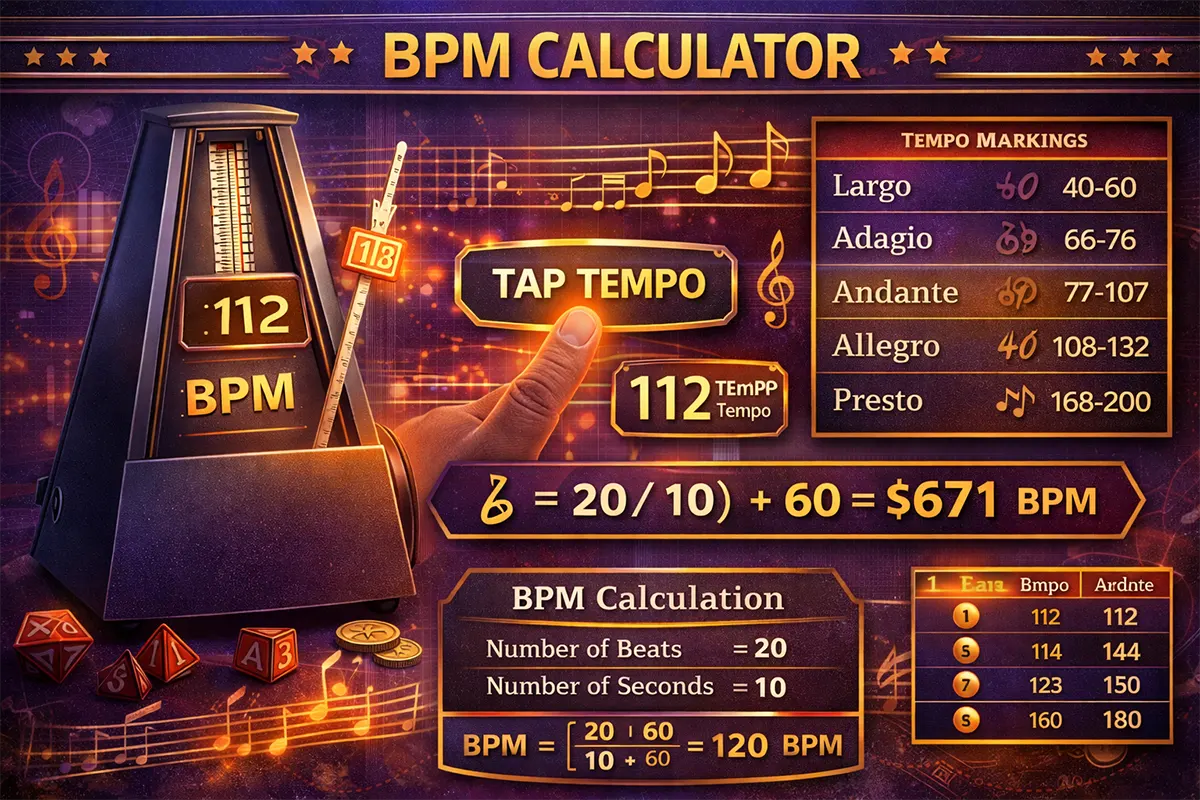
Whether you’re a DJ mixing tracks at a Dubai nightclub, a music producer fine-tuning beats in your home studio, or a fitness instructor building playlists for a HIIT class — knowing the exact beats per minute (BPM) of a song is essential. This free BPM calculator lets you tap along to any song and get an accurate tempo reading in seconds. No apps to download, no sign-ups required.
Table of Contents
ToggleWhat Is a BPM Calculator and Why Do You Need One?
A BPM calculator measures the tempo of music by counting how many beats occur in one minute. Tempo is the backbone of every song — it determines whether a track feels relaxing, energetic, or somewhere in between. Musicians, DJs, runners, dancers, and audio engineers all rely on accurate BPM readings to do their work effectively.
Here’s what our BPM calculator offers:
- Tap Tempo Detection — Tap any key or button in rhythm with a song, and the calculator determines the BPM in real time.
- Manual BPM Input — Enter a known BPM to convert it into milliseconds per beat, beats per second, and measures per minute.
- Tempo Classification — Automatically labels the tempo (Adagio, Allegro, Presto, etc.) so you know the musical context.
- Reset & Averaging — Filters out inconsistent taps and gives you a stabilized, averaged BPM reading.
The tool uses a straightforward timing algorithm — it records the intervals between your taps, discards outliers, and averages the result. This method is the same one used in professional DAWs (Digital Audio Workstations) and DJ software worldwide.
🎵 BPM Calculator
Tap to detect tempo · Convert BPM · Built-in metronome
Common BPM by Genre
How the BPM Calculator Works
The Tap Tempo Method
The most common way to find a song’s BPM is the tap tempo method. You listen to a track and tap a button on every beat. The calculator records the time between each tap in milliseconds, then converts that interval into beats per minute.
The formula is simple:
BPM = 60,000 ÷ average milliseconds between taps
For example, if the average gap between your taps is 500 milliseconds, the calculation is: 60,000 ÷ 500 = 120 BPM. That’s a standard dance-pop tempo.
Step-by-Step Breakdown
Step 1: Play the song you want to measure. Listen for the main pulse — usually the kick drum or the strongest rhythmic element.
Step 2: Start tapping the “Tap” button in time with the beat. The calculator ignores your first tap (it needs at least two taps to measure an interval).
Step 3: Keep tapping for 8 to 16 beats. The more taps you provide, the more accurate the result becomes. The calculator averages all intervals and displays the BPM in real time.
Step 4: Read your result. The calculator also shows you the tempo marking (like Andante or Allegro) and useful conversions such as milliseconds per beat and beats per second.
Important Notes
Human tapping introduces small timing errors. Our calculator handles this by applying a rolling average that smooths out inconsistencies. If you tap significantly off-beat on one hit, the averaging algorithm minimizes its impact. For the most accurate result, try to tap consistently for at least 10 beats. You can always hit “Reset” and start over if something feels off.
Keep in mind that some songs have tempo changes (rubato, ritardando, accelerando). For tracks with shifting tempos, measure each section separately.
BPM Calculator Examples: Real-World Scenarios
Example 1: DJ Preparing a Set in Dubai Marina
Omar is a resident DJ at a lounge in Dubai Marina. He’s preparing a sunset set and wants to transition smoothly between two tracks. He doesn’t have BPM data for one of the songs in his collection.
What he does: Omar plays the track and taps along on the BPM calculator for 12 beats. His tap intervals (in milliseconds) are: 502, 498, 505, 497, 500, 503, 499, 501, 498, 504, 500.
Calculation:
- Average interval = (502+498+505+497+500+503+499+501+498+504+500) ÷ 11 = 500.6 ms
- BPM = 60,000 ÷ 500.6 = 119.9 BPM (rounded to 120 BPM)
The track is 120 BPM — a classic house music tempo. Omar now knows he can mix it with other tracks in the 118–122 BPM range for a seamless transition.
Example 2: Fitness Instructor Building a Workout Playlist
Layla runs group fitness classes at a gym in Abu Dhabi. She needs songs between 140–160 BPM for the high-intensity interval section of her class.
What she does: She tests a new track by tapping 10 beats on the BPM calculator. Her average tap interval comes out to 410 milliseconds.
Calculation:
- BPM = 60,000 ÷ 410 = 146.3 BPM
The track falls within her target range. She tags it as suitable for the HIIT portion of her playlist. She also notes that the tempo classification shows Allegro, confirming it’s a fast, energetic track.
Example 3: Music Student Practicing with a Metronome
Khalid is a guitar student who attends lessons in Sharjah. His teacher asked him to practice a piece at 72 BPM (Adagio). Khalid wants to verify that his metronome app is set correctly.
What he does: He enters 72 BPM directly into the manual input field of the BPM calculator to see the timing details.
Results:
- Milliseconds per beat: 60,000 ÷ 72 = 833.3 ms
- Beats per second: 72 ÷ 60 = 1.2 beats/sec
- Tempo classification: Adagio (slow and stately)
Khalid confirms the metronome is accurate and uses the milliseconds-per-beat value to double-check the gap between clicks. This extra verification gives him confidence that he’s practicing at the correct speed.
Important Information About BPM and Tempo
Tempo Markings and Their BPM Ranges
Classical and modern music both use Italian tempo markings. Here’s a reference guide:
| Tempo Marking | BPM Range | Description |
|---|---|---|
| Grave | 20–40 | Very slow, solemn |
| Largo | 40–60 | Slow and broad |
| Adagio | 60–80 | Slow, at ease |
| Andante | 80–100 | Walking pace |
| Moderato | 100–120 | Moderate speed |
| Allegro | 120–160 | Fast, lively |
| Vivace | 160–180 | Lively and fast |
| Presto | 180–220 | Very fast |
Common Mistakes to Avoid
Tapping on the off-beat: If you accidentally tap on the snare instead of the kick, you’ll still get the right BPM — but only if you’re consistent. Switching between on-beat and off-beat mid-count will skew your result.
Confusing half-time and double-time: Some genres (like drum and bass or trap) use half-time feels. A track might feel like 85 BPM but actually have a kick pattern at 170 BPM. If your result seems double or half what you expected, you’ve likely counted a different rhythmic subdivision.
Too few taps: Three or four taps can give a rough estimate, but for accuracy, aim for 10+ taps. More data points produce a more reliable average.
Pro Tips
When working with digital audio, many DAWs like Ableton Live, FL Studio, and Logic Pro have built-in tap tempo features. However, a standalone BPM calculator is useful for quickly checking tracks outside your DAW — like songs playing on a speaker, a live performance, or a streaming playlist. If you’re managing finances alongside your music career, tools like our savings calculator can help you plan studio investments.
Frequently Asked Questions About BPM Calculation
How accurate is the tap tempo method?
With 10 or more consistent taps, the tap tempo method is accurate to within ±1–2 BPM. Professional DJ software uses the same fundamental approach, supplemented by audio waveform analysis. For most practical purposes — DJing, fitness playlists, music practice — tap tempo is more than sufficient.
What BPM range do most popular songs fall into?
Most pop, hip-hop, and R&B tracks sit between 80–130 BPM. EDM and dance music typically range from 120–150 BPM. Drum and bass pushes into the 160–180 BPM range, while ballads and ambient tracks often fall below 80 BPM.
Can I use this BPM calculator for running or exercise?
Absolutely. Runners often match their cadence to music tempo. A comfortable jogging cadence is around 150–170 steps per minute, which aligns well with uptempo pop or dance tracks. Use the calculator to verify that your playlist tracks match your target running cadence.
What’s the difference between BPM and rhythm?
BPM measures speed — how fast the beats occur. Rhythm describes the pattern of beats and rests within that speed. Two songs can both be 120 BPM but have completely different rhythms (a waltz vs. a four-on-the-floor house beat, for example).
Why does my BPM result sometimes show a decimal?
Because the calculator averages your tap intervals, the result is often a decimal like 127.4 BPM. Most music software and metronomes work with whole numbers, so you can round to the nearest integer. Some advanced production work may use precise decimal BPM values for sync accuracy.
How do I find the BPM of a song without tapping?
Several music platforms display BPM data in their metadata. Spotify, for example, stores tempo information in its audio features API. Websites like SongBPM.com and GetSongBPM.com maintain large databases of song tempos. Alternatively, audio analysis software can detect BPM from a waveform automatically.
Can this calculator handle very fast or very slow tempos?
Yes. The calculator works for tempos from about 20 BPM (extremely slow, ambient music) up to 300+ BPM (speedcore, gabber). For extremely fast tempos, tapping on every other beat and doubling the result can improve accuracy.
Is BPM the same as heart rate?
They use the same unit of measurement — beats per minute — but they measure different things. Musical BPM counts rhythmic pulses in a song. Heart rate BPM counts cardiac contractions. Interestingly, studies show that listening to music at 60–80 BPM can help lower resting heart rate, which is why many meditation playlists use slow-tempo tracks.
Start Finding Your BPM Now
Scroll up and start tapping to discover the exact tempo of any song. Whether you’re preparing a DJ set, building a workout playlist, or practicing an instrument, accurate BPM data helps you work with precision and confidence. This calculator is free, works on all devices, and requires no installation.
For music theory resources and tempo guides, the Associated Board of the Royal Schools of Music (ABRSM) provides comprehensive educational materials on rhythm and tempo.
Related Calculators You Might Find Useful
- Uni Grade Calculator — Calculate your university GPA and module grades.
- Significant Figures Calculator — Round numbers to the correct number of significant figures.
- Fractions Calculator — Add, subtract, multiply, and divide fractions easily.
- ACFT Calculator — Calculate your Army Combat Fitness Test score.
- Factor Calculator — Find all factors and prime factors of any number.